Running
Running your strategy
Ensure you have completed the following steps before running your strategy:
ETradeBot can run in one of two modes:
Preview Mode: displays the strategy with preview trades.
Live Trading Mode: executes trades based on your strategy.
Preview Mode
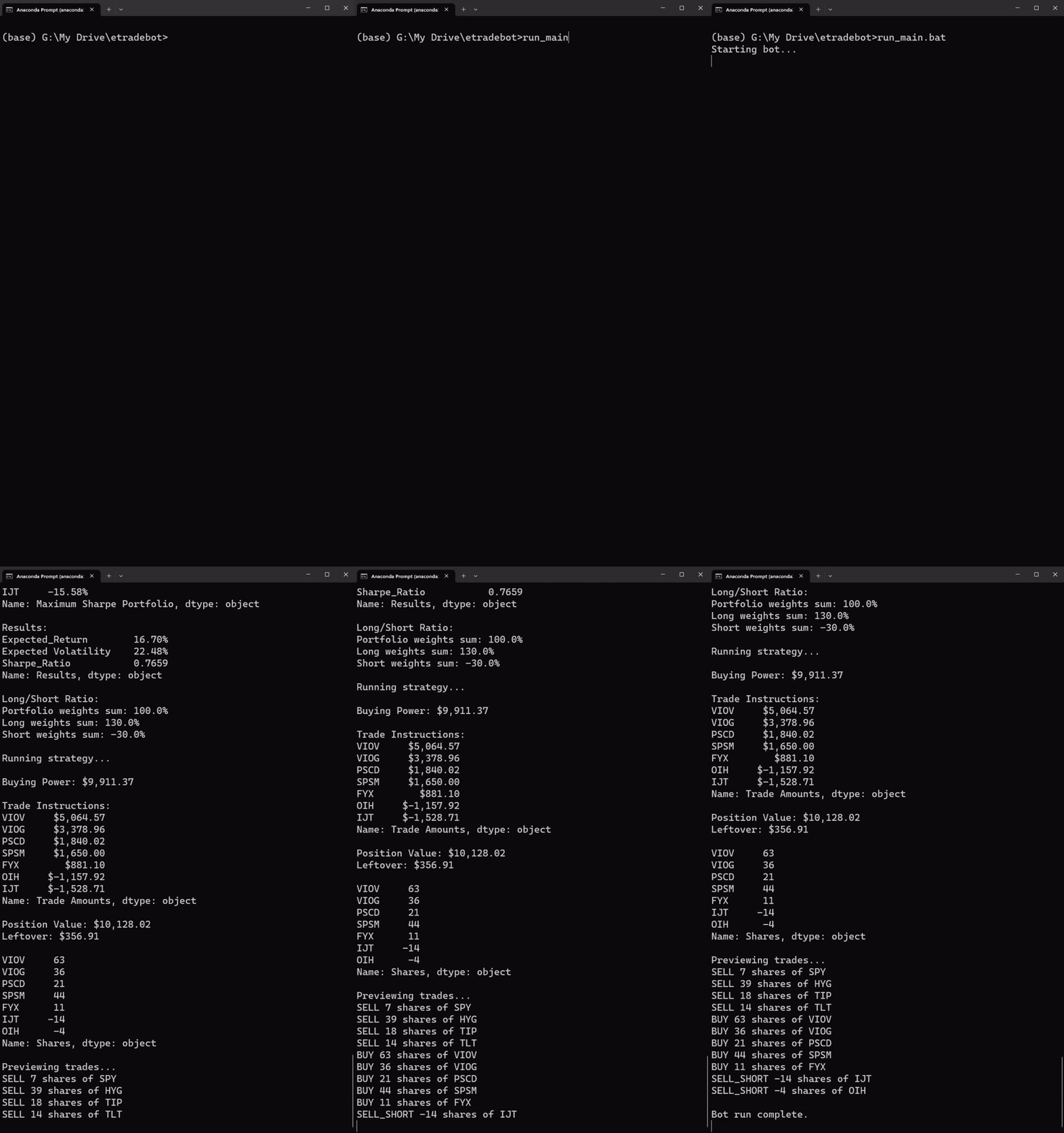
You can use preview mode to test the program’s responses before going live. The program will access your account, obtain market data, and submit preview trades through the E-Trade API. The console output will either display the strategy with preview trades, or, return an error with traceback.
Verify the batch file:
Ensure the PREVIEW variable is set to
Trueinrun_main.bat:set PREVIEW=True
Ensure the name of your strategy in
run_main.batmatches the name of your strategy file in thestrategiesdirectory without the.pyextension:set STRATEGY_NAME=example_strategy
Run the bot:
In your terminal or command prompt, activate your
etradebotvirtual environment:If you are using
conda:
conda activate etradebot
If you are using
virtualenv:
source etradebot/bin/activate
Navigate to the root directory of the ETradeBot project.
cd C:\Users\User\etradebot
Type the following command and press Enter to start the bot:
run_main.bat
Monitor the bot:
The bot will automatically generate preview trades based on your strategy.
You can monitor the bot’s activity through the console output.
The bot will save the output and events of the bot to a log file within the
logsdirectory.If you encounter any errors or issues, refer to the console output and the troubleshooting section for more information.
Live Trading Mode
Verify the batch file:
Ensure the PREVIEW variable is set to
Trueinrun_main.bat:set PREVIEW=False
Ensure the name of your strategy in
run_main.batmatches the name of your strategy file in thestrategiesdirectory without the.pyextension:set STRATEGY_NAME=example_strategy
Repeat steps 2 and 3 from above:
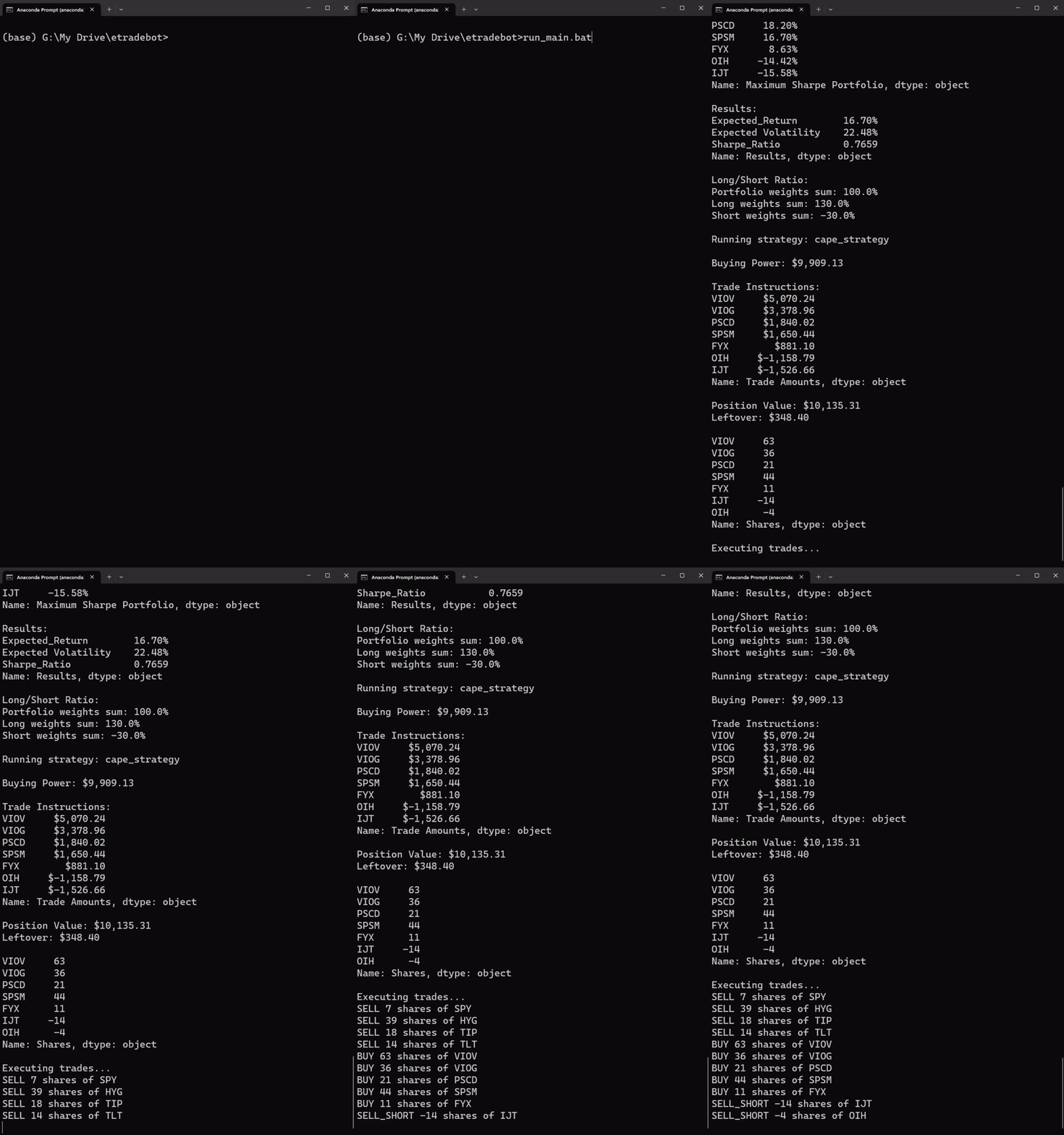
The bot will automatically execute trades based on your strategy.
You can monitor the bot’s activity through the console output.
The bot will save the output and events of the bot to a log file within the
logsdirectory.If you encounter any errors or issues, refer to the console output and the troubleshooting section for more information.